03 / Software development
Develop software for everyday work.
When existing tools are not enough, I develop custom applications and automation: requests, hand-offs between programs, reports and checks. First I look at the workflow, because sometimes reorganising or configuring what is already there is enough. Where it helps, the software uses AI, always with permissions and a person’s approval.
01 / When it helps
When it can help.
Emails, PDFs and Excel files mean constant copying
The same information is pieced together or retyped from one tool to another, adding delays and room for error.
Requests and approvals are hard to keep track of
Status, responsibilities and exceptions are not visible, and people end up chasing updates.
Reports and checks are still done by hand
Data from different sources is reconciled regularly, without clear enough definitions, checks or information about where it came from.
02 / See it working
Two demos, with invented data.
Simulations you can try in a few minutes: the agent reads and proposes, a person checks and approves. Everything happens in the browser.
-
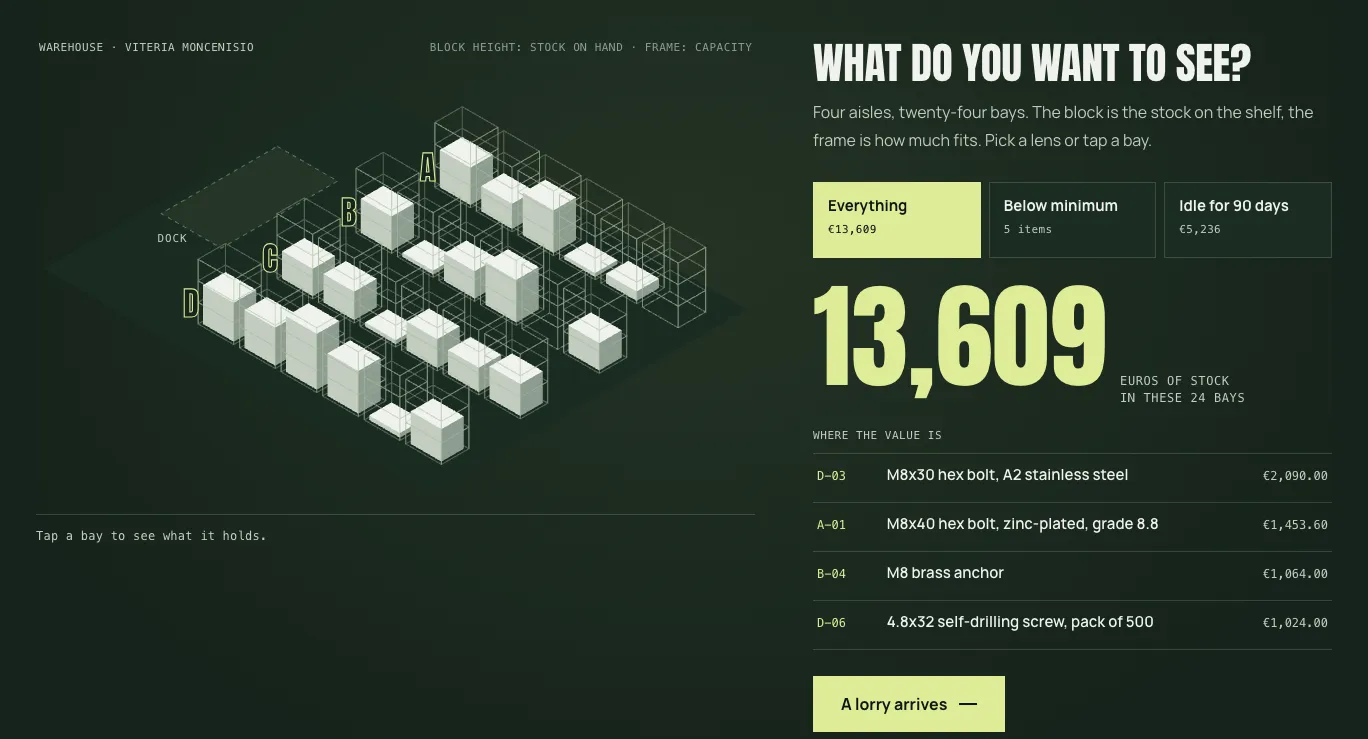 Visual warehouse
Where goods go and what to reorder: the warehouse map, the put-away proposed by the agent and the reorders, approved by a person.
Try the demo
-
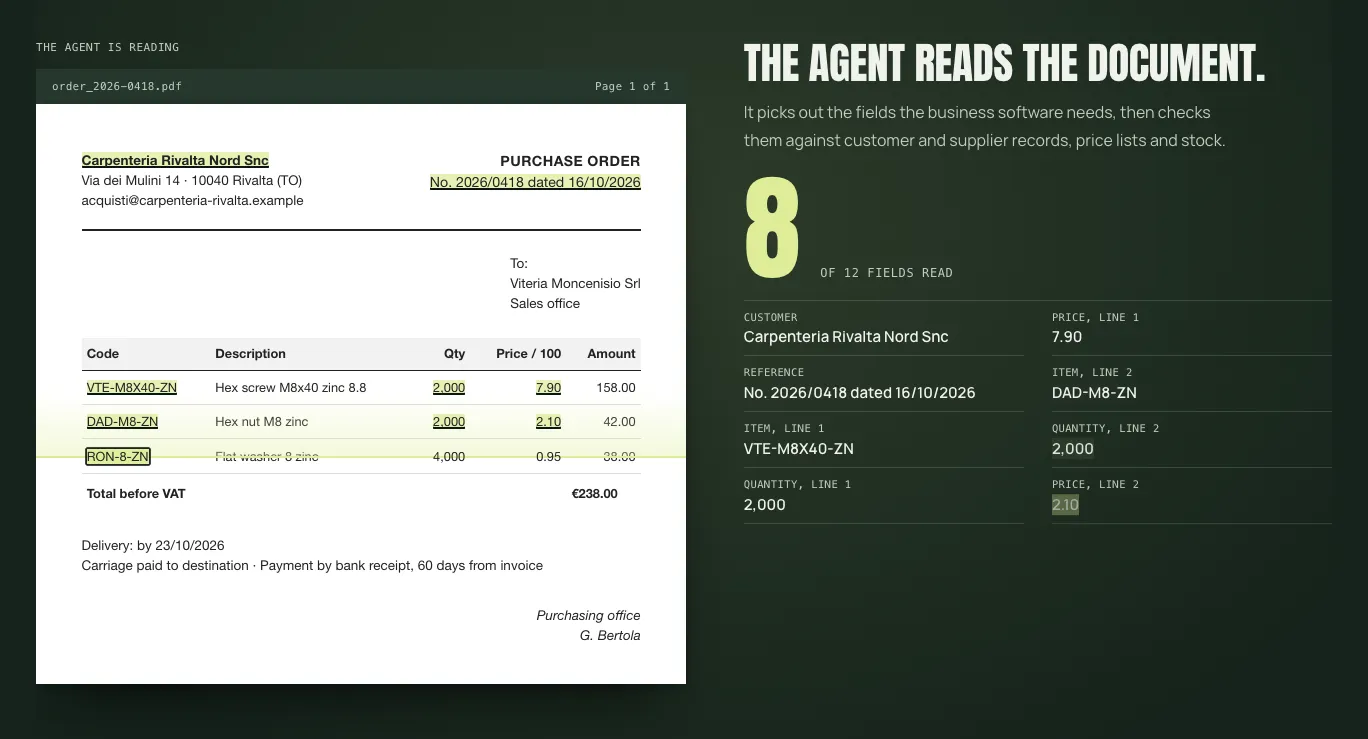 Incoming orders and documents
The agent proposes, a person approves: from the incoming document to the business software, with checks and a person’s approval.
Try the demo
Another case: incomplete purchase requests.
Illustrative example · not a client case study
- People remain responsible
- Approval, supplier selection and the final entry into the systems.
Request What arrives
Forms, emails and attachments, with mandatory fields and stated approval thresholds.
Single view What it proposes
The material brought together in one view, with missing or inconsistent information flagged.
Review Who checks
A person checks completeness, accuracy and the cost centre before approving.
On hold If something is off
Requests outside the thresholds, unknown suppliers or unreadable attachments stay on hold, flagged.
03 / How I work
Build only after defining the problem.
The work may include a trial, indicators, reports or automated workflows, depending on the process observed.
- 01
Map out the workflow
I note inputs, tools, people, waiting times and the points that call for judgement.
- 02
Choose the smallest change needed
I compare reorganisation, configuration and development before introducing new software.
- 03
Define checks and access
Permissions, approvals, data, exceptions and a manual alternative are part of the scope.
- 04
Test with the people who will use it
A limited trial to see errors, edge cases and how useful it is in real work.
- 05
Hand over and decide what comes next
Documentation, adoption and maintenance, agreed separately and in proportion.
04 / What can remain
Define the scope of the software.
The solution is chosen once the process is clear: portals, forms, reading emails and PDFs, drafts, quotes, approvals, reports or integrations with a defined scope.
Custom application
A dedicated interface for collecting, looking up or preparing information for a defined task.
Workflow and controlled automation
Hand-offs between tools with rules, permissions, approvals and visible handling of exceptions.
Data view or operational report
Definitions, sources and checks linked to a specific decision, without turning them into a general-purpose platform.
05 / Questions and boundaries
Frequently asked questions.
Does it have to use AI?
No. If a rule or an existing configuration handles the same step with less complexity, I use that.
Will it work with the programs you already use?
It depends on the APIs, access, licences and constraints of the tools involved: I check this before proposing a solution.
Can the AI act on its own?
No. I do not introduce unauthorised autonomous actions, and legal, privacy and compliance responsibilities stay where they are.
What is not included?
General helpdesk support, PC and network administration, managed cybersecurity or unlimited availability.
Who looks after hosting and maintenance?
Hosting, maintenance, support and any specialists are agreed separately.
What if the problem is not clear yet?
Start with process analysis: steps, responsibilities and exceptions before deciding whether to configure or to build.
Which step involves the most copying and chasing?
For a first phone call, all you need is the current workflow, the programs involved and the point where work slows down. There is no need to have chosen the technology already.